Friday, May 29, 2015

Can't Get on the Internet?

What can you do if you can't get on the Internet?  For a lot of people these days the thought of a world without internet is a scary concept. So much of our daily lives, from paying bills to keeping in touch with loved ones rely on a strong internet connection. Our reliance on this wondrous tool becomes all too apparent the second we lose it.
Diagnose Internet Connectivity Issues Mesa, AZ | 480-832-4600
Internet Connectivity Issues? Call Us |
480-832-4600
Diagnose Internet Connectivity Issues Mesa, AZ | 480-832-4600

Why Doesn't the Internet Work?

Why doesn’t the internet work?” We hear it all the time. The problem is never the internet itself. If the internet were to go down most of the world would plunge in to chaos. Individual sites can go offline but the internet as a whole keeps chugging along.
More times than not the issue lies with the computer receiving the internet. This can be the result of a malware infection, windows corruption, bad drivers, or incorrect settings. It’s a sad fact that a malware infection can actually cause every one of those other issues.

Diagnosing an Internet Connectivity Issue

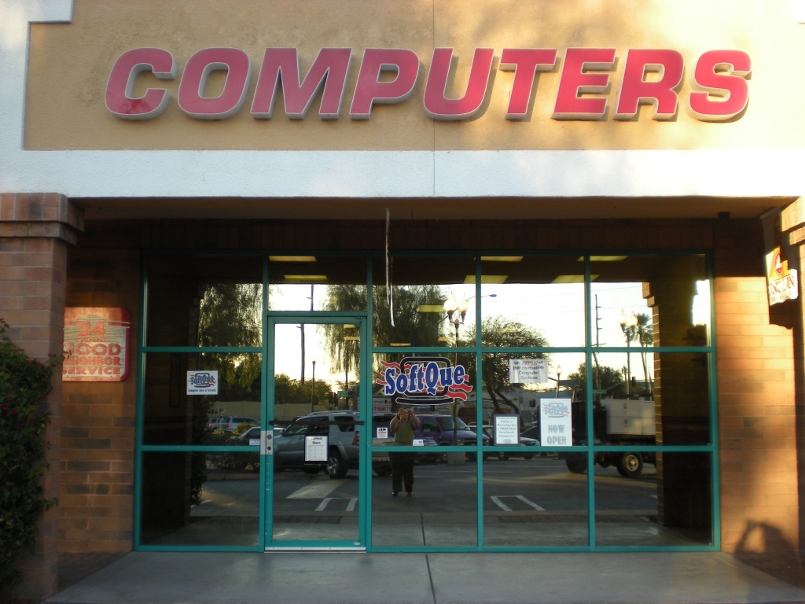
While the computer is most likely the culprit, trouble connecting to the internet can also be the result of your ISP’s hardware going bad. Modems usually last 2-4 years before needing to be replaced and routers last a few years beyond that on average. The first step in diagnosing an internet connectivity issue should be to call your service provider. Most internet providers can send a signal to your modem to check if it is operating how it should be. If your modem and router tests fine you should bring in your system to be tested. A service SoftQue Computer happily provides.
Don't want to bring it in?  If desired or needed, we can also come right to your home!
Softque Premier Computer Services
1155 S. Power Rd. #107
Mesa, AZ 85206
480-832-4600
Contact Us

Friday, May 22, 2015

Memory and Storage

Buying a computer can be a confusing process. You read the little piece of paper that’s supposed to tell you what you are buying and you find a bunch of numbers and unfamiliar jargon.
When buying a computer, know the difference between memory and storage |480-834-1318
The most common mistake most people make is not knowing the difference between Memory and Storage. We hear people use the terms interchangeably all the time and that can lead to disappointment with your purchase.

What is the Difference Between Computer Memory and Computer Storage?

What is the difference between computer memory and computer storage? 
Memory is non-technical shorthand for the system’s RAM. In most cases the number next to it will be 4, 8, or 16 followed by GB. RAM is a very fast go between that the computer places your files and programs into to improve performance. That is why the number is so small, and why a larger amount may increase performance. The more RAM you have the more it can load into this temporary buffer.
Storage refers to the system’s Hard Drive. Common numbers are 500 or 750 followed by GB and 1 or 2 followed by TB. This number refers to the amount of files and programs you can save to the computer. A larger amount means more space for your stuff. Once storage reaches 1000 GB they adjust the scale and start counting again at 1TB. Unlike RAM, more Hard Drive space will not speed up the computer, although you can get faster Hard Drives to store your files on but the cost vs storage space increases greatly. At SoftQue, we can help you may sense out a your next Computer Purchase, come by and see us.
Softque Premier Computer Services
62 North Stapley Drive
Mesa, AZ 85203
480-834-1318
softque.com