Friday, July 25, 2014

Computer Repair or Computer Replacement Part 2

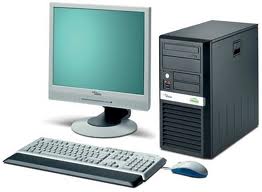
Part two of our series on computer repair or replacement focuses on some important things to note when you're looking at purchasing a new laptop or PC.
computer parts
Buy a New Computer | 480-832-4600

Computer Sales: What Price Range Are We Talking ?

When it's time to buy a new computer, make sure that you avoid some pitfalls. First off, don't always count on a brand name to be a perfect match for your needs. One thing that has started to happen to some computer companies is that they've merged and in a lot of cases, the quality on them has taken a header. A lot of times people operate under the illusion that if they pay more for a computer they're getting a good computer. Some times, though, what they're paying for is glitz.
Sometimes consumers see the plastic on the monitor and the keyboard and see all the numbers on the side of the box such as 1080p, 8gb memory, 1TB hard drive, etc. They get their computer home, but failed to notice one little word on the side of the box: refurbished or pre-owned. Or maybe it's new, but there is no monitor included, or a keyboard, or a mouse for that matter. All of a sudden, the 'great deal' they got doesn't look as great. This problem is more pronounced with a hardcore gamer.

Buy a Custom Computer System Instead

For a good price, you can buy a new computer that is custom made to your specifications. Gamers for example have a long list of 'must-haves,' for any computer they'll be playing the last MMORPG on. A custom computer system can be made with more memory, more speed, whatever a customer would need. However, it isn't just gamers that do well by going custom.
Sometimes, some businesses have special needs. Maybe they need a new server, and they are operating on a budget that will preclude a pre-made box, however, they need some the capabilities that a server out of the box will have. That's where a custom computer shop comes in.
One thing is for sure, buying a “corporate” quality remanufactured computer/laptop, or a good custom computer from a reputable local shop is always a good bet. You will almost always get much higher quality, better performance, and someone you can build a relationship with to help with questions and problems. At SoftQue, our technicians have years of experience, computers are what they do, they are nerds that live for this stuff and are happy to help you.
For more information on computer repair and replacement, be sure to read part one.
Softque Premier Computer Services
1155 S. Power Rd. 107
Mesa, AZ 85206
480-832-4600
http://softque.com/contact/

Friday, July 18, 2014

Computer Repair or Computer Replacement Part 1

First off, we can't stress this enough. Back up your computer. Why? Well, think of it this way, you may have a ticking time bomb on your hands.
Get  Data Recovery in the Event of a Hard Drive Crash | 480-834-1318
Get Data Recovery in the Event of a Hard Drive Crash | 480-834-1318

Do You Need to Back Up Everything?

Do you need to back up everything? As a rule, you only have to back up your data. Most people either have discs, an online resource, or other method of backing up their computer's software. It is important to note, however, that even with software, you always want to back up everything that can't be replaced. What causes data loss?
Usually data loss is due to either a software problem, or a hardware issue such as a hard drive crash. Sometimes, data loss is irreversible, and the files are just gone, particularly in the case of a nasty computer virus. Other times, however, things may not be as bad as they seem.
If something has taken out your files, first off, don't panic. We may have a solution for you.

Hard Drive Data Recovery

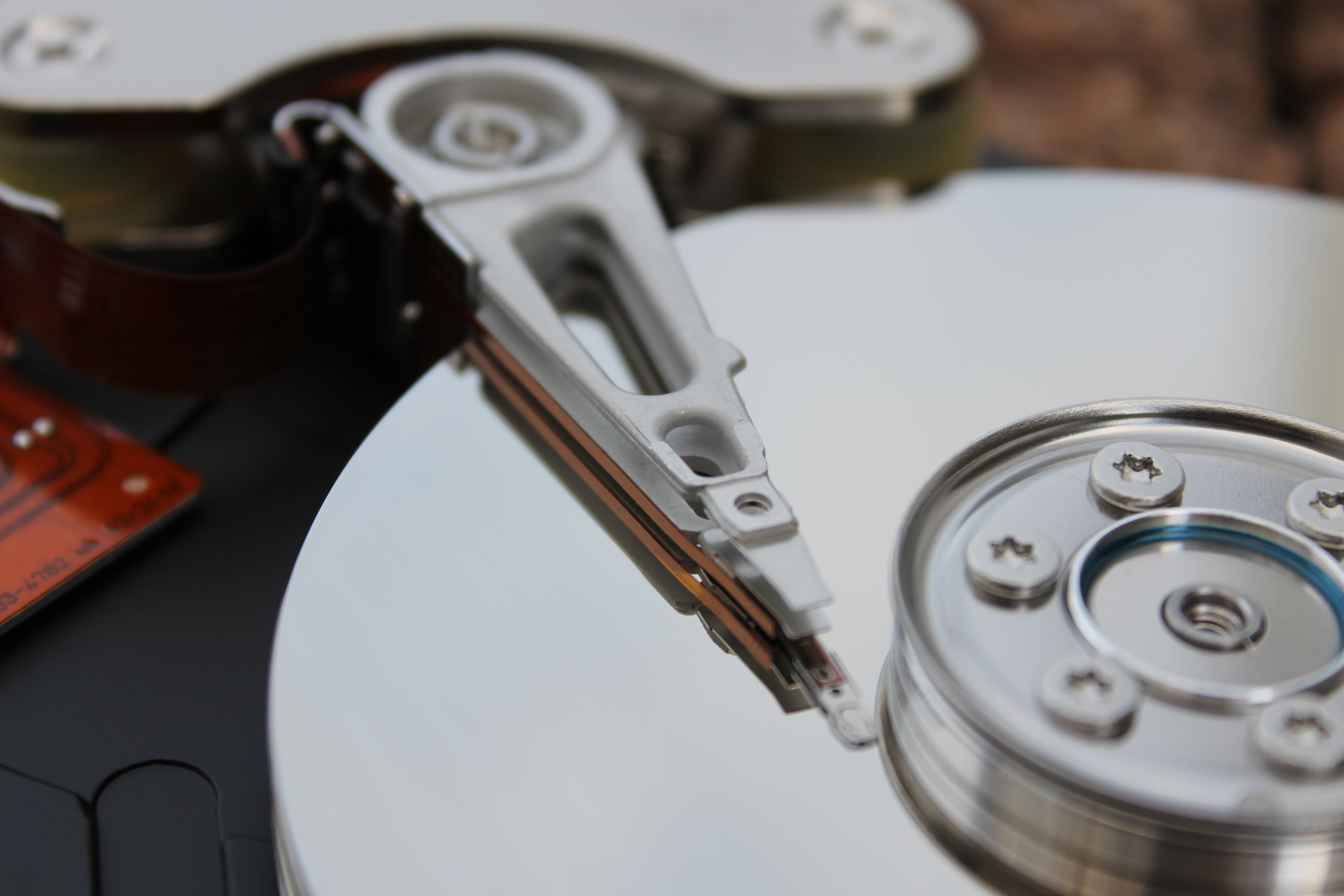
Sometimes, your files aren't lost. Sometimes, all it takes is a hard drive data recovery service like ours to be able to bring some if not all of your data back. We have a lot of people ask us if we can guarantee that their data will be recovered. Unfortunately, there are no guarantees. We do however have a great many tricks that we can do that might be able to bring your files back. Prevention is best, data recovery can be expensive.
So, remember, whether you have a desktop or a laptop, back up your computer, and make sure you have backups of all your software as well. Ideally, you want to have two backups, one in your home or office and one offsite.
And if you've lost some files, come in and see about data recovery
Softque Premier Computer Services
62 N Stapley Dr.
Mesa, AZ 85203
480-834-1318
Contact Us

Saturday, July 12, 2014

Data Recovery and Backing Up Your Computer

First off, we can't stress this enough. Back up your computer. Why? Well, think of it this way, you may have a ticking time bomb on your hands.
Get  Data Recovery in the Event of a Hard Drive Crash | 480-834-1318
Get Data Recovery in the Event of a Hard Drive Crash | 480-834-1318

Do You Need to Back Up Everything?

Do you need to back up everything? As a rule, you only have to back up your data. Most people either have discs, an online resource, or other method of backing up their computer's software. It is important to note, however, that even with software, you always want to back up everything that can't be replaced. What causes data loss?
Usually data loss is due to either a software problem, or a hardware issue such as a hard drive crash. Sometimes, data loss is irreversible, and the files are just gone, particularly in the case of a nasty computer virus. Other times, however, things may not be as bad as they seem.
If something has taken out your files, first off, don't panic. We may have a solution for you.

Hard Drive Data Recovery

Sometimes, your files aren't lost. Sometimes, all it takes is a hard drive data recovery service like ours to be able to bring some if not all of your data back. We have a lot of people ask us if we can guarantee that their data will be recovered. Unfortunately, there are no guarantees. We do however have a great many tricks that we can do that might be able to bring your files back. Prevention is best, data recovery can be expensive.
So, remember, whether you have a desktop or a laptop, back up your computer, and make sure you have backups of all your software as well. Ideally, you want to have two backups, one in your home or office and one offsite.
And if you've lost some files, come in and see about data recovery
Softque Premier Computer Services
62 N Stapley Dr.
Mesa, AZ 85203
480-834-1318
Contact Us

Friday, July 4, 2014

Laptop Problems and Laptop Repair

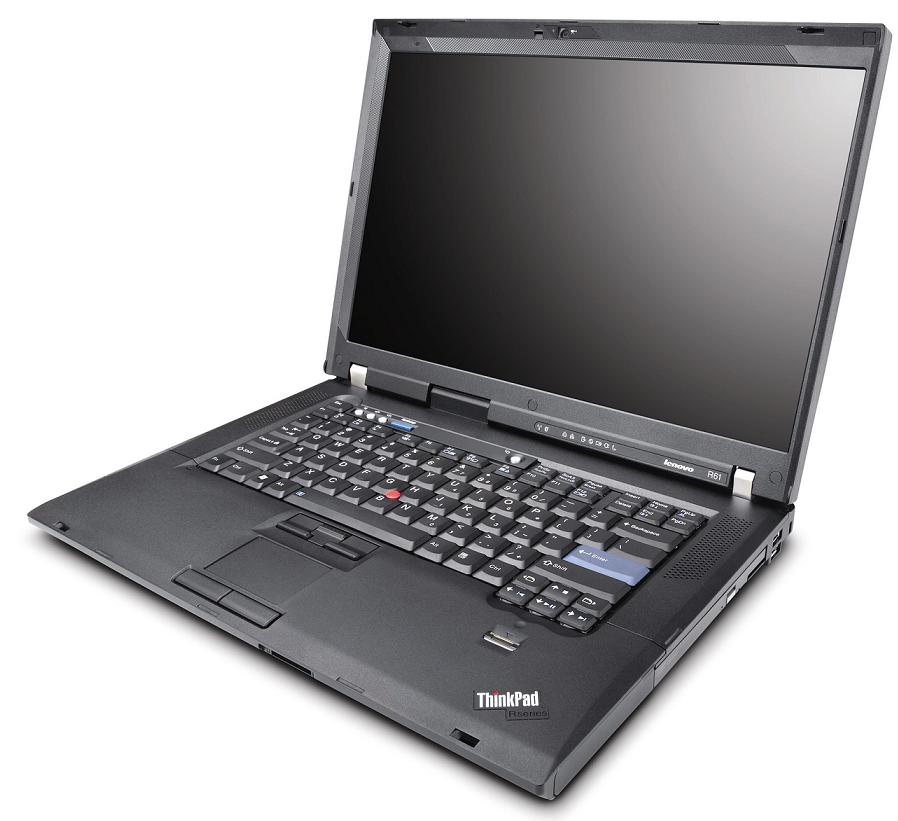
You will have to put laptop repair on your to-do list sooner or later. Laptops after all, have to go through a lot more wear and tear than a desktop PC does.
Get Laptop Repair | 480-834-1318

Laptop Power Issues

Laptops are all about freedom. With a laptop, you can do your work in a classroom or a boardroom, in a coffee shop or in an airport terminal. But what happens when your computer keeps running out of battery power, even though you've been charging it? Well it is possible that you may have a frayed power cord, which is a relatively simple laptop repair.
As a rule, laptop cords go through a lot of punishment. If you're like most people, your laptop cord is coiled and uncoiled every time you use it, sometimes, several times a day. Power cords aren't meant to be coiled, and after a while, the wires inside the cord begin to fray, which ultimately makes the power cord stop working. Buying a new power cord for your laptop should fix the issue. But what if it doesn't? Sometimes, it may not be your cord that is starting to go, it may be your connector itself. Both a frayed cord and a broken connector are potentially serious problems however, if you don't do anything about your power issue, your laptop's battery could potentially be damaged as well. Another thing to watch out for is your laptop's fan.

What to Do With a Noisy Laptop Cooling Fan

If your laptop's cooling fan is going out, or has gone out, it is potentially serious. Why? Well, a laptop is more compressed than a desktop PC, which means that the processor as well as the other internal components can run a lot hotter than a desktop can. Without enough cool air coming in, your laptop will start to overheat. Sometimes, the fan may just be clogged with dust. Try a bit of compressed air through the grills to clean out the dirt. If your laptop fan is still acting up we recommend taking it to a computer repair shop. If you don't know what you're doing where a laptop is concerned, you could end up causing more damage to your laptop.
So remember, even though laptops have dropped in price, you still don't want to replace your laptop. Instead, take care of it, and get it in for laptop repair in Mesa if necessary.

Softque Premier Computer Services
62 N Stapley Dr.
Mesa, AZ 85203
480-834-1318
softque.com